SSN DEV Studio

Paperturn

내 PDF·사진·만화 파일을 진짜 책처럼 넘겨요. iPhone Duo를 펼치면 접힘선이 제본선이 되는 두 쪽 펼침으로 읽어요.
App Store에서 받기 iPhone · iPad · iOS 27.0 이상 무료 · 광고 포함 · 인앱 구입
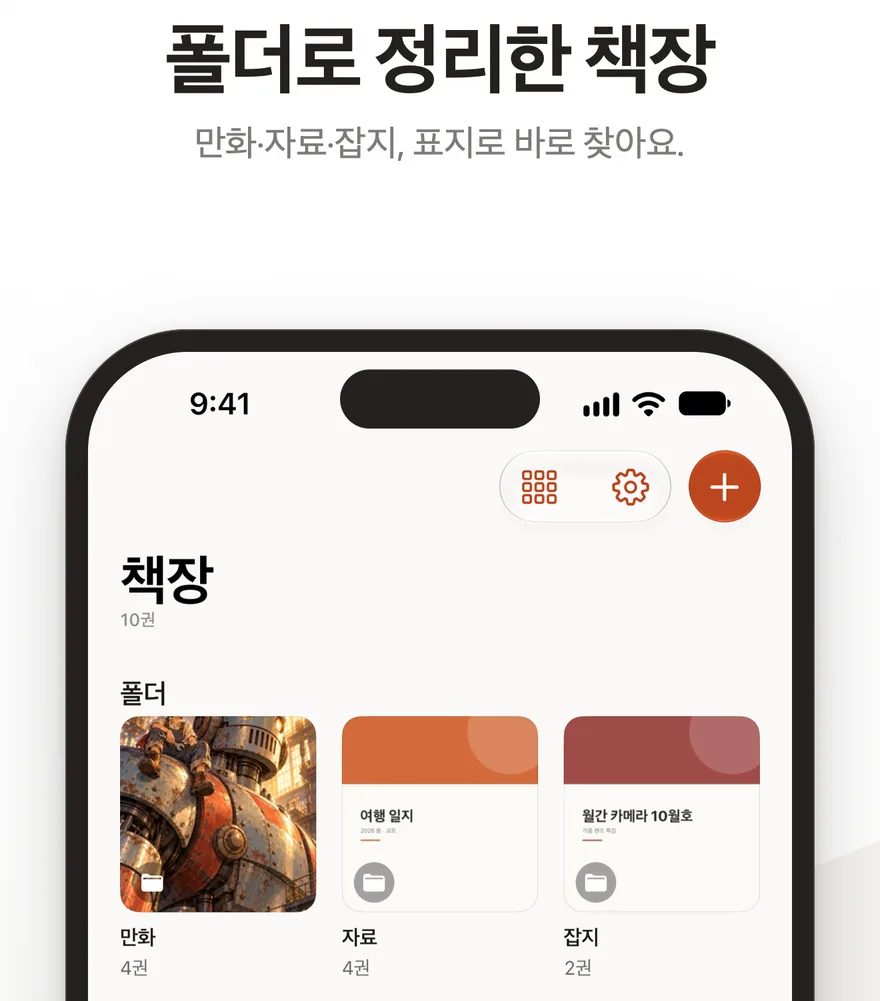
Paperturn 화면

넣을 수 있는 것

  • PDF 파일. 파일 앱, iCloud Drive, 다운로드에서 골라요.
  • 사진 여러 장. 한 권의 사진 책이 되고, 촬영일과 장소 캡션이 자동으로 붙어요.
  • 만화 압축 파일(CBZ·ZIP). ComicInfo.xml이 있으면 제목·넘김 방향·표지를 알아서 읽어요.

진짜 책처럼 읽기

넘기기

종이가 들리는 페이지 컬로 한 장씩 넘겨요. 가로로 긴 펼침 쪽은 두 면에 걸쳐 보이고, 좌→우·우→좌 방향은 책마다 골라요.

찾기

책갈피, 쪽 격자, PDF 본문 검색. 마지막 읽던 쪽을 기억하고, 종이 색은 크림과 흰색 중에서 골라요.

iPhone Duo에서

  • 펼치면 두 쪽 펼침이 되고, 접힘선이 제본선이 돼요.
  • 표지는 혼자, 본문은 짝으로 놓여요.
  • 접은 iPhone과 다른 iPhone에서는 한 쪽씩 넘겨요.

책장

  • 폴더로 정리하고, 폴더마다 격자·목록·큰 표지 보기 모양을 골라요.
  • 무료로 책 5권까지 넣을 수 있어요.
  • 회원가입이 없고, 책은 이 기기에만 저장돼요.
  • Face ID로 앱을 잠글 수 있어요. 켜 두면 앱을 열거나 돌아올 때 확인해요.
  • 무료 버전은 책장 하단에만 광고가 있고 읽기 화면에는 없어요.

Paperturn 프로

  • 책 수 제한 해제
  • 광고 없음
  • 한 번 결제 · 구독 없음 · 업데이트 포함

도움이 필요하세요?

Paperturn

Turn your own PDFs, photos and comics like a real book. On iPhone Duo, unfold it and the fold becomes the spine of a two-page spread.

Download on the App Store iPhone · iPad · iOS 27.0 or later Free · Ads · In-App Purchase
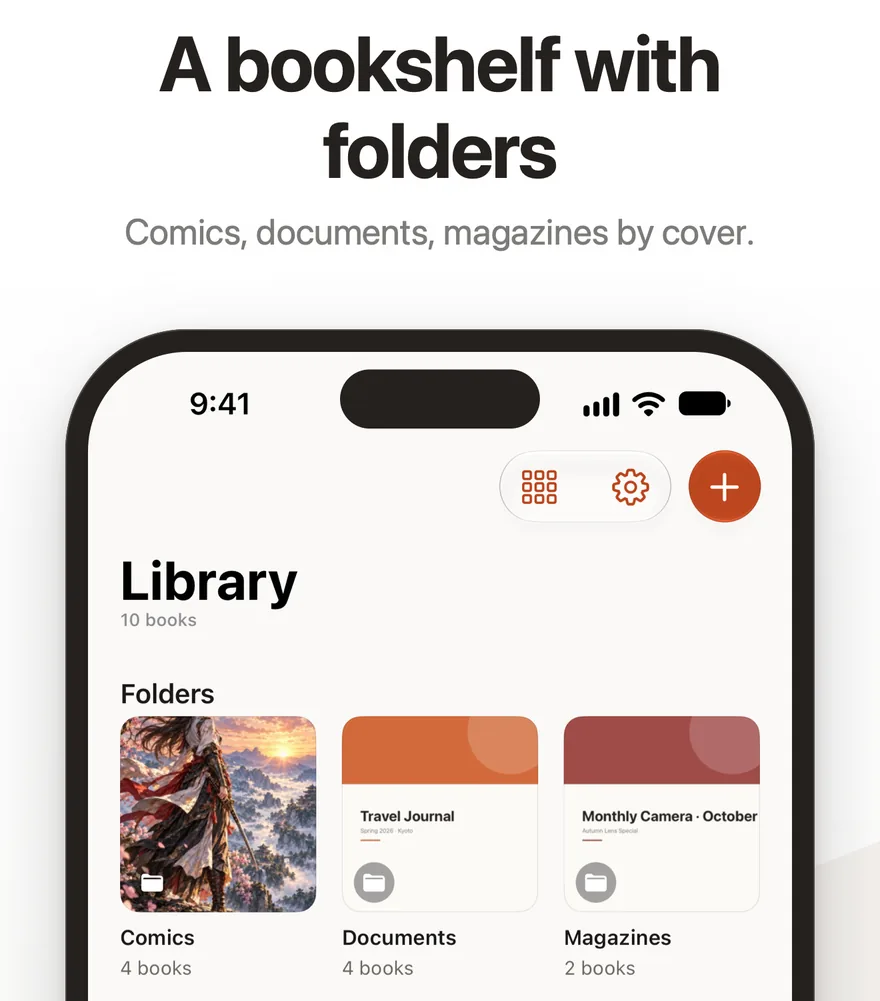
Paperturn screenshot

What you can add

  • PDF files, from the Files app, iCloud Drive or Downloads.
  • Several photos. They become one photo book, with date and place captions added automatically.
  • Comic archives (CBZ, ZIP). If a ComicInfo.xml is inside, the title, reading direction and cover are read from it.

Read it like a book

Turn

A page curl lifts each page like paper. Wide spread pages span two faces, and you choose left-to-right or right-to-left per book.

Find

Bookmarks, a page grid and PDF text search. The App remembers where you left off, and the paper can be cream or white.

On iPhone Duo

  • Unfold it for a two-page spread; the fold becomes the spine.
  • The cover stands alone and the pages come in pairs.
  • Folded, and on other iPhones, you turn one page at a time.

Library

  • Sort books into folders, and pick a grid, list or large-cover view for each folder.
  • Up to 5 books for free.
  • No sign-up; your books are stored only on this device.
  • Lock the App with Face ID. When it's on, the App asks each time you open it or come back to it.
  • In the free version, ads appear only at the bottom of the library, never on the reading screen.

Paperturn Pro

  • Unlimited books
  • No ads
  • One-time purchase · No subscription · Updates included

Need help?

Paperturn

お手持ちのPDF・写真・マンガのファイルを、本物の本のようにめくって読めます。iPhone Duoを開くと、折り目が綴じ目になる見開き表示になります。

App Store でダウンロード iPhone · iPad · iOS 27.0以降 無料 · 広告あり · アプリ内課金
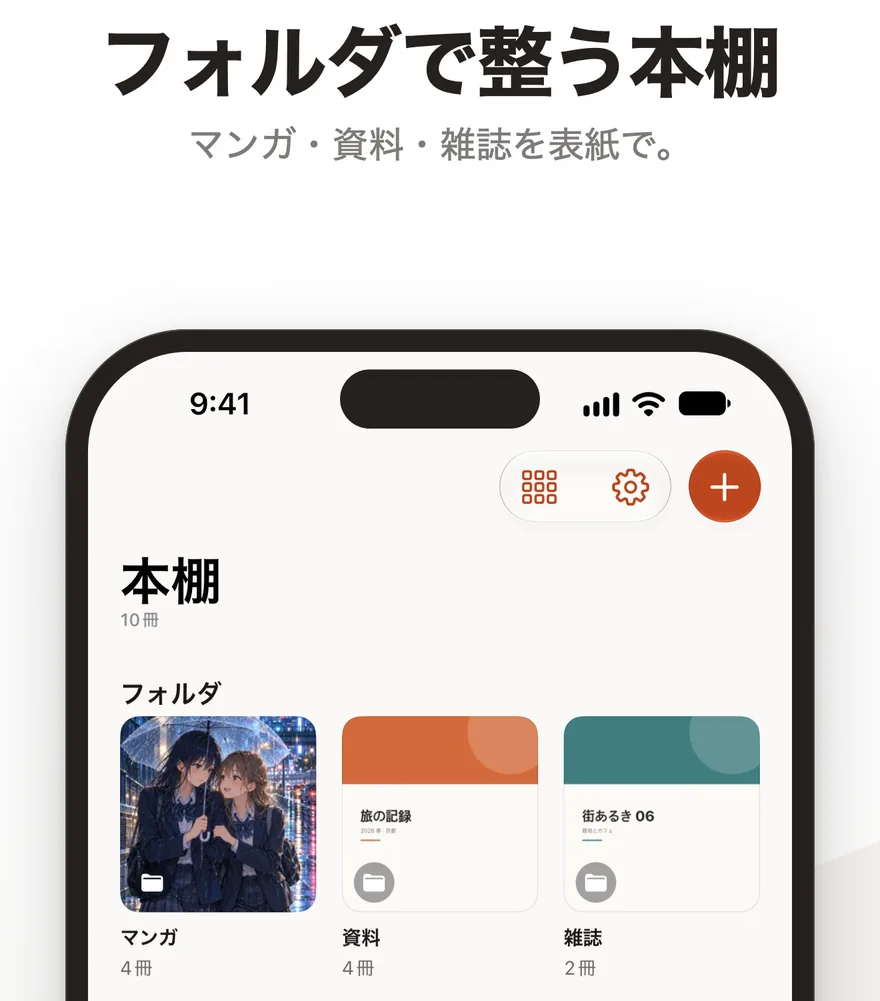
Paperturnの画面

入れられるもの

  • PDFファイル。ファイルApp、iCloud Drive、ダウンロードから選べます。
  • 複数の写真。1冊のフォトブックになり、撮影日と場所のキャプションが自動で付きます。
  • マンガの圧縮ファイル(CBZ・ZIP)。ComicInfo.xmlがあれば、タイトル・めくる向き・表紙を自動で読み取ります。

本物の本のように読む

めくる

紙が持ち上がるページカールで1枚ずつめくります。横長の見開きページは2面にまたがって表示され、左→右・右→左の向きは本ごとに選べます。

探す

しおり、ページ一覧、PDF本文検索。最後に読んだページを記憶し、紙の色はクリームと白から選べます。

iPhone Duoで

  • 開くと見開き表示になり、折り目が綴じ目になります。
  • 表紙は1ページで、本文は2ページ1組で並びます。
  • 閉じたiPhoneやほかのiPhoneでは、1ページずつめくります。

本棚

  • フォルダで整理し、フォルダごとにグリッド・リスト・大きな表紙の表示を選べます。
  • 無料で本を5冊まで入れられます。
  • 会員登録はなく、本はこの端末だけに保存されます。
  • Face IDでアプリをロックできます。オンにすると、アプリを開くときと戻るときに確認します。
  • 無料版の広告は本棚の下部だけに表示され、読書画面にはありません。

Paperturn Pro

  • 冊数制限なし
  • 広告なし
  • 買い切り · サブスクリプションなし · アップデート込み

お困りですか?